
Your assets on yourhome screen
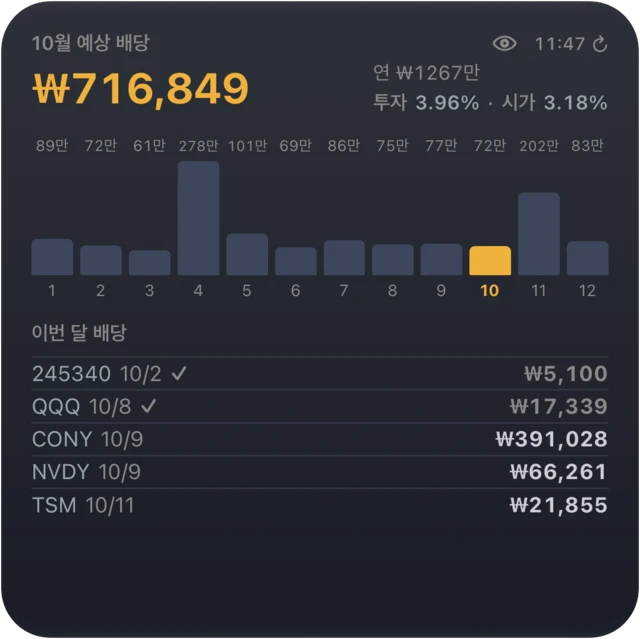
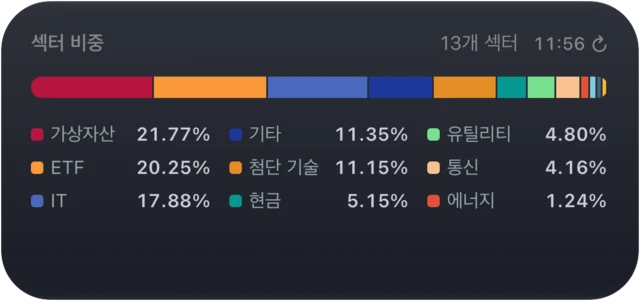
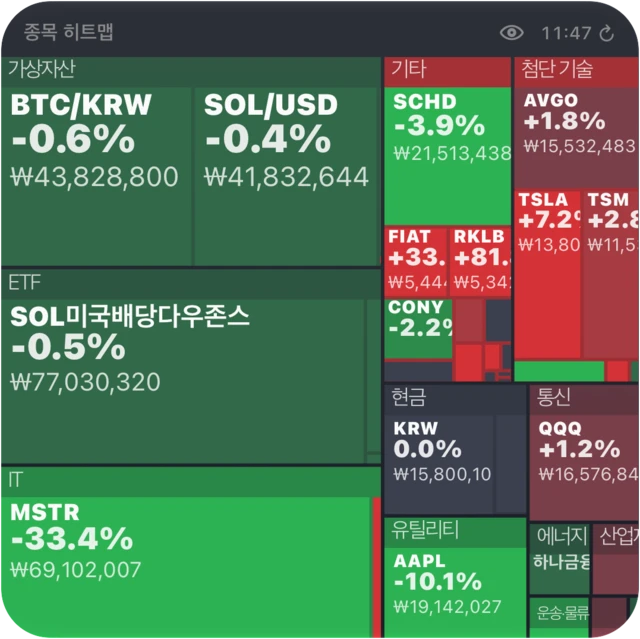
Portfolio, dividends, retirement countdown and more. Add any of 9 The Rich widgets to your home screen.
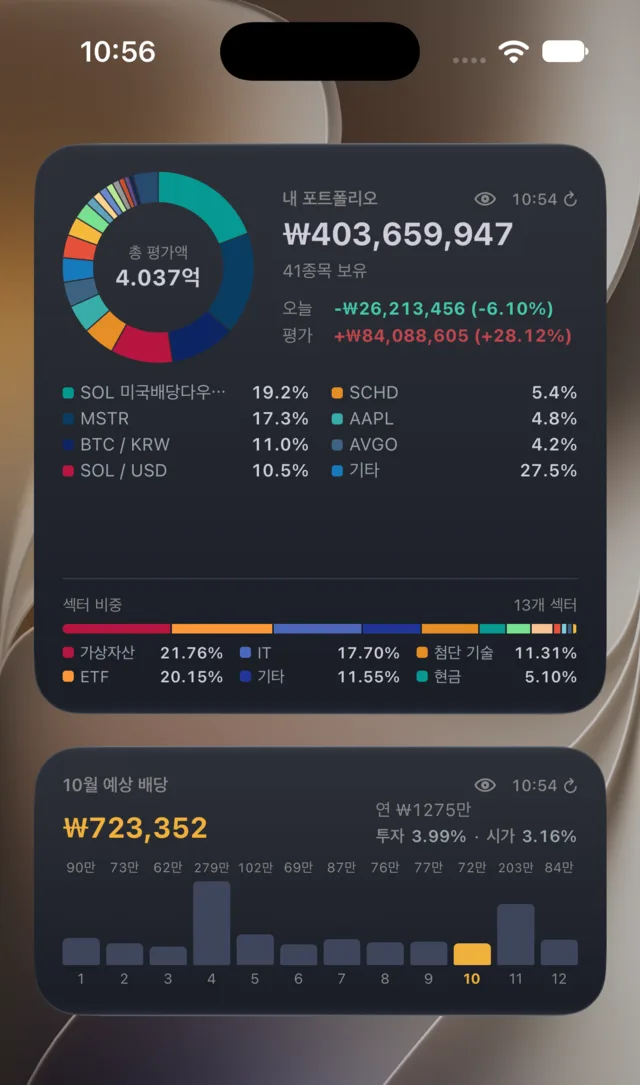
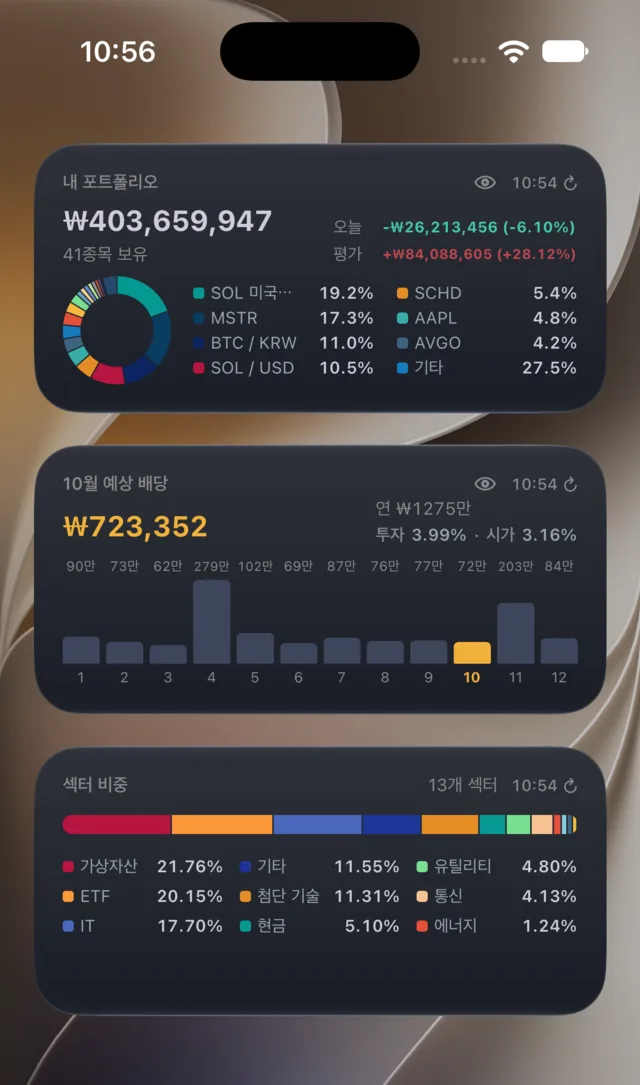
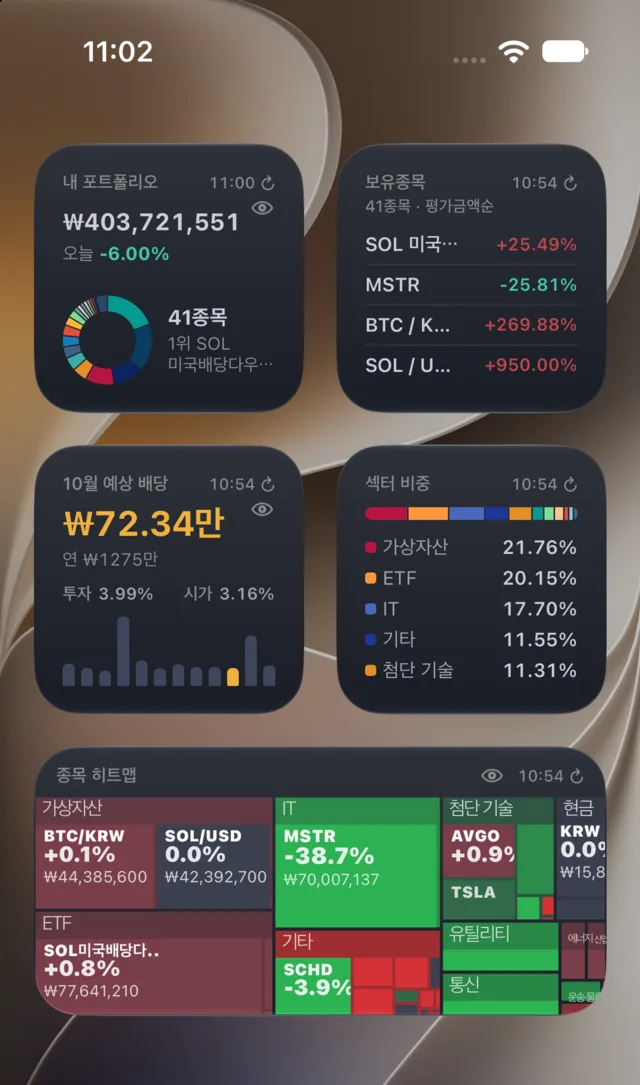
Scroll to explore
Pick the widget you want
 The Rich
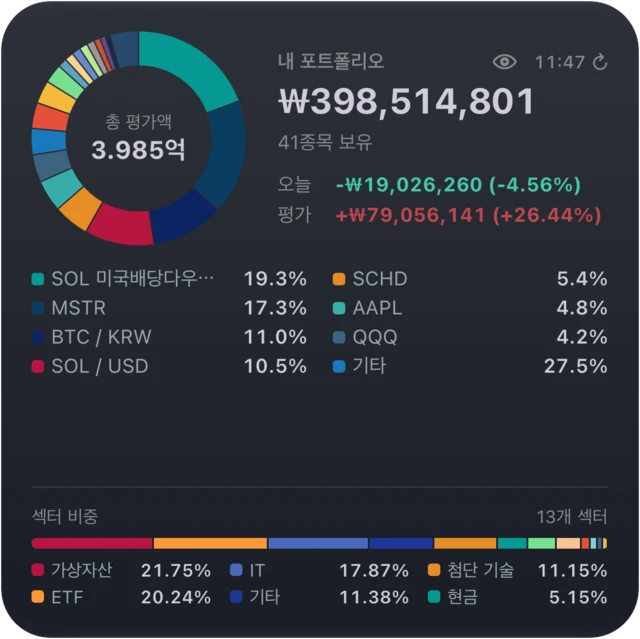
My portfolio
Total assets, today's return, and holdings breakdown
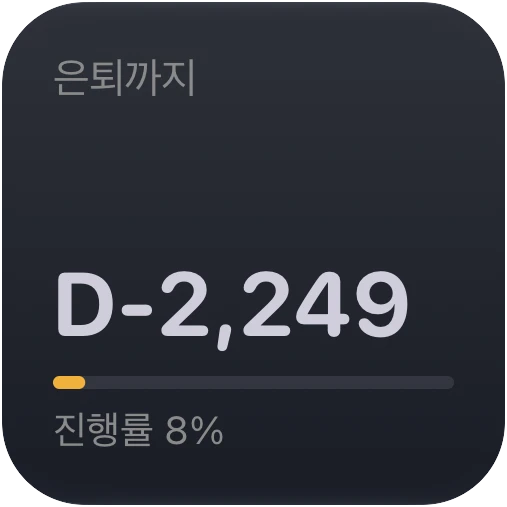

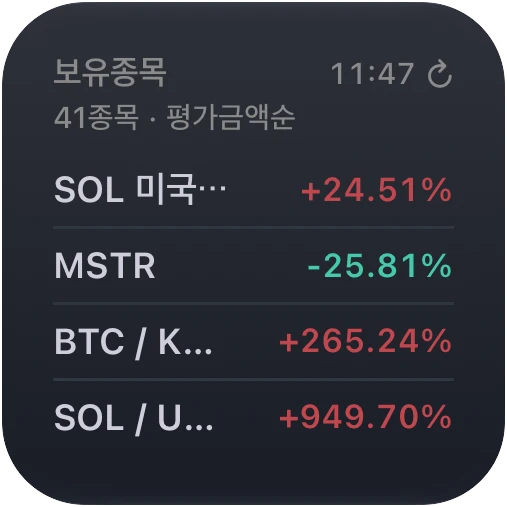
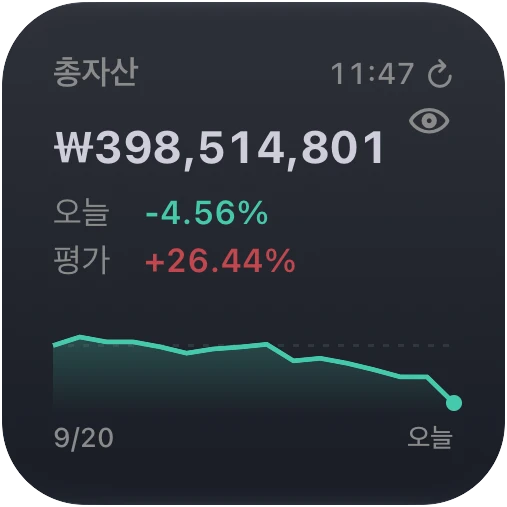
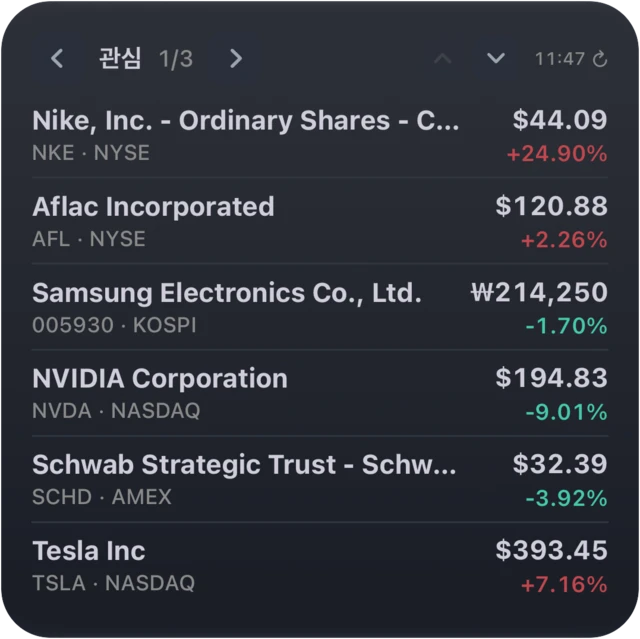
Right from the widget
- Hide amounts with the eye iconOne tap hides amounts on every widget.
- Refresh and timestampUpdates every 30 minutes, or refresh instantly with a tap.
- 9 widgets, 3 sizesSmall, medium or large, place them however you like.
How to add a widget
- 1Touch and hold an empty area of your home screen.
- 2Tap ‘Edit’ in the top left, then ‘Add Widget’.
- 3Search for ‘The Rich’.
- 4Pick a widget and size, then tap ‘Add Widget’.
Requires iOS 17 or later.
Meet The Rich on your home screen
Widgets refresh on their own every 30 minutes.